> ## Documentation Index
> Fetch the complete documentation index at: https://www.anything.com/docs/llms.txt
> Use this file to discover all available pages before exploring further.
# Build your first app
> From idea to working app in one conversation
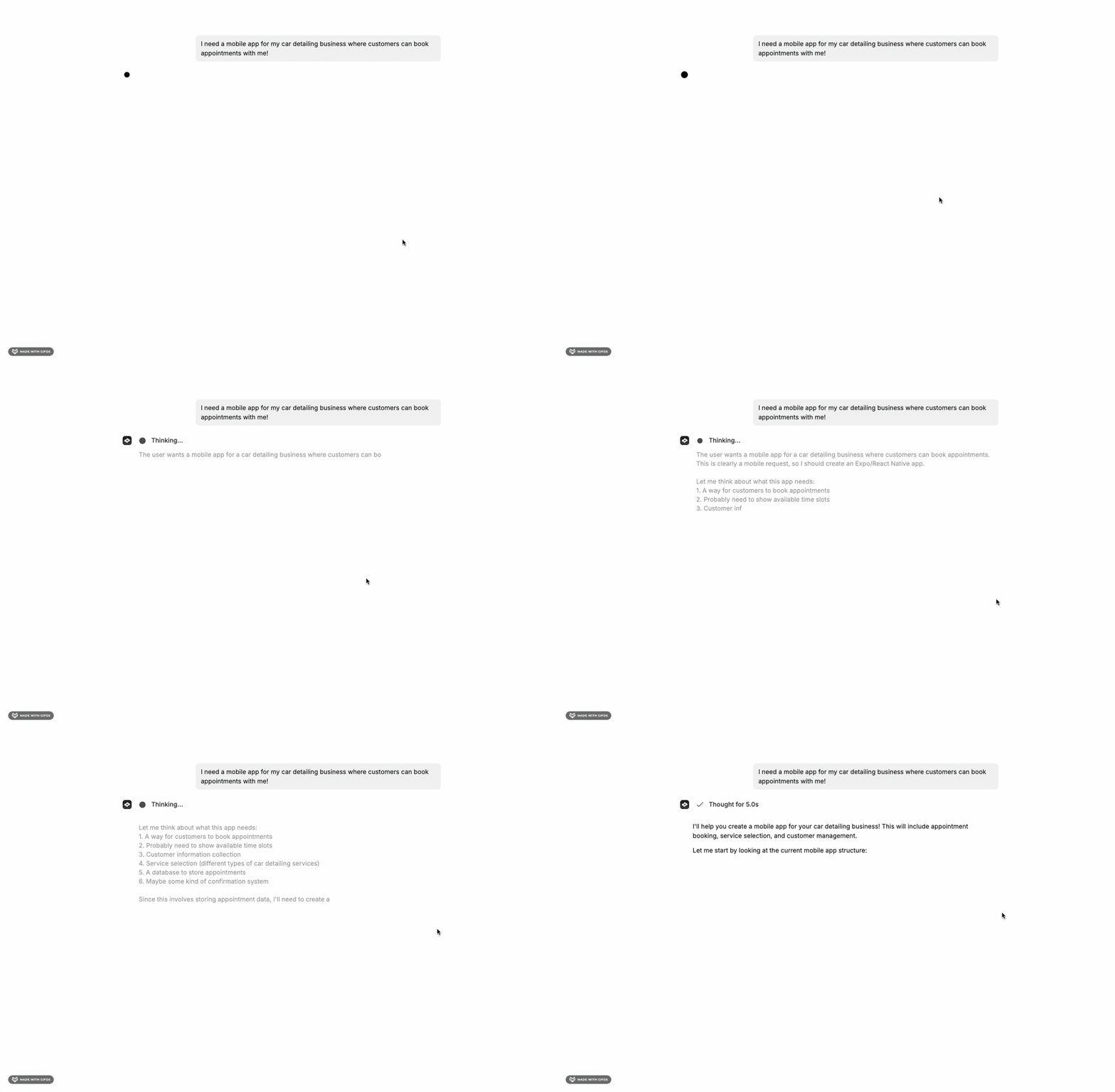
Pick an idea and describe it. The agent builds a working app from your first message.
Start with a clear 1-3 sentence description. Be specific about the type: "mobile app for X" is different from "website for X."
## Describe what you want
Tell the agent what you're building. Write like you'd explain it to a friend.
```
Build a mobile app for my car detailing business. Customers can browse services,
see pricing, and book appointments.
```
The agent starts building immediately.
 Your app is made up of a few building blocks. You don't need to know these upfront, the agent creates them as needed:
* [Web](/apps/web) pages or [mobile](/apps/mobile) screens your users see
* [AI](/apps/integrations) built into your app
* [Database](/apps/databases) to store your app's data
* [Sign up and login](/apps/auth) for your users
* [Backend](/apps/backend) for server logic, scheduled tasks, and API calls
* [Payments](/payments/stripe) to charge your users
Your app is made up of a few building blocks. You don't need to know these upfront, the agent creates them as needed:
* [Web](/apps/web) pages or [mobile](/apps/mobile) screens your users see
* [AI](/apps/integrations) built into your app
* [Database](/apps/databases) to store your app's data
* [Sign up and login](/apps/auth) for your users
* [Backend](/apps/backend) for server logic, scheduled tasks, and API calls
* [Payments](/payments/stripe) to charge your users
 ## Refine the design
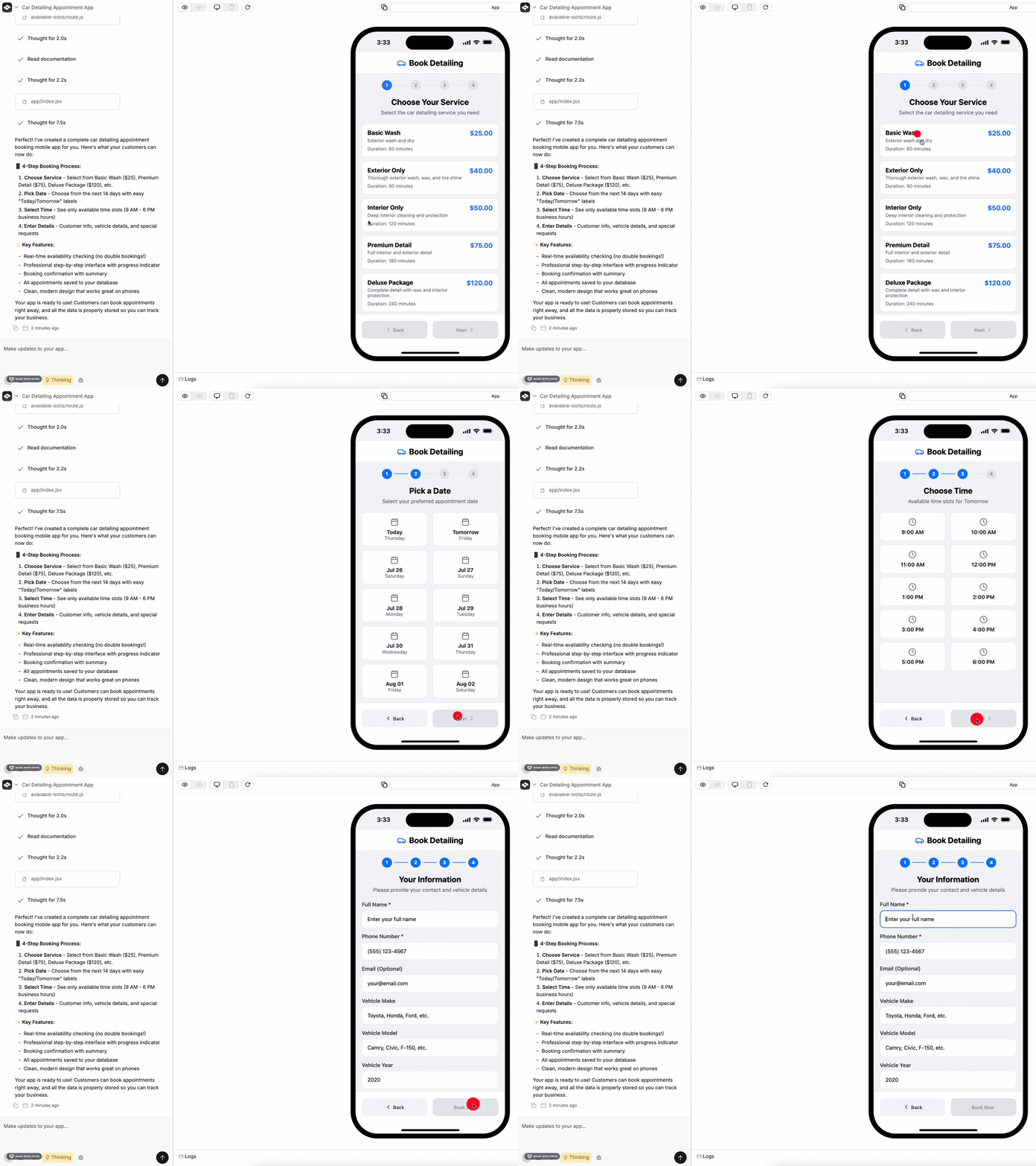
Once the foundation is there, iterate. Ask for visual changes the same way.
```
Use a chrome theme with muted blue tones
```
## Refine the design
Once the foundation is there, iterate. Ask for visual changes the same way.
```
Use a chrome theme with muted blue tones
```
 ## Add features
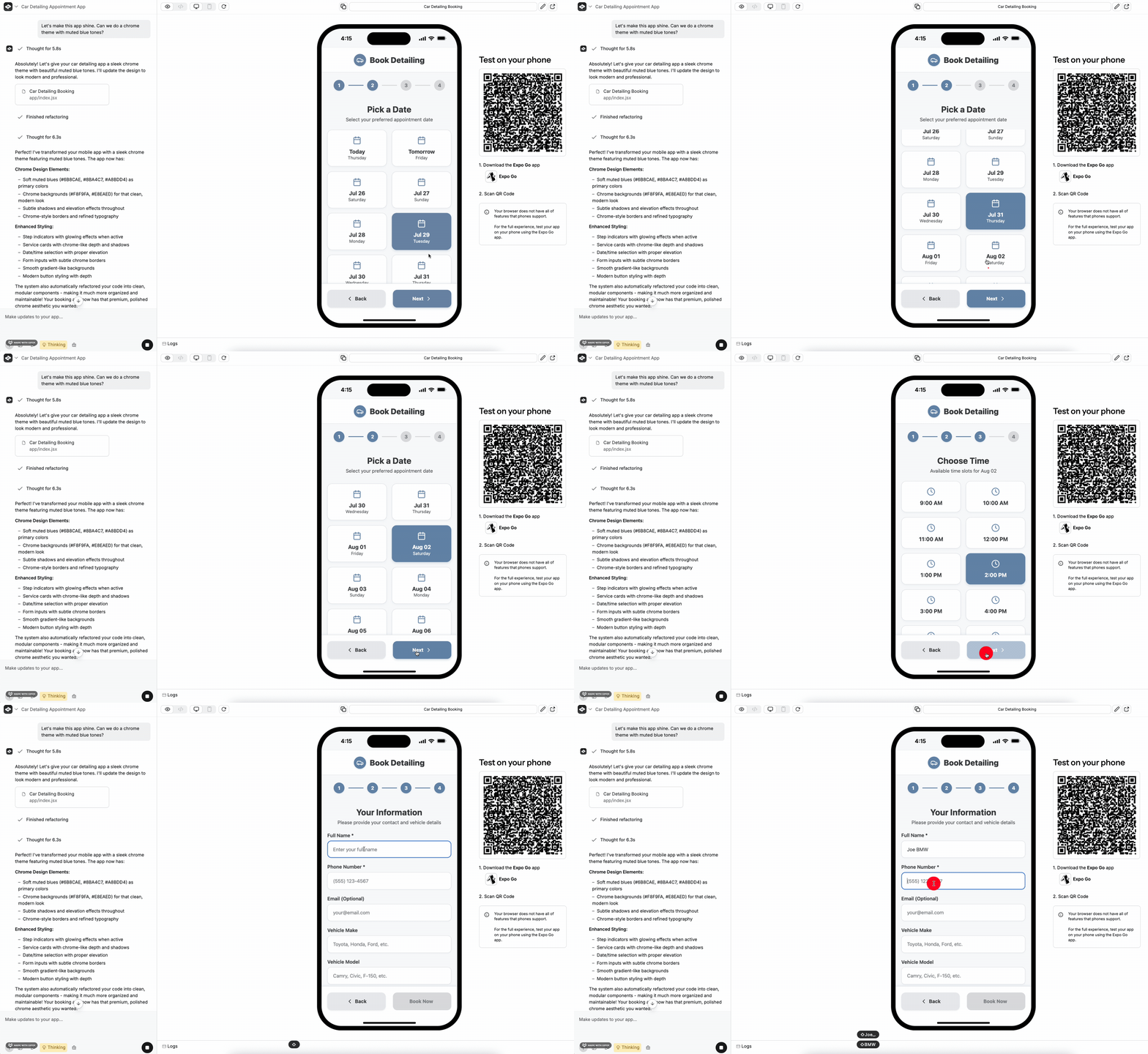
Keep going. Each message builds on what's already there.
```
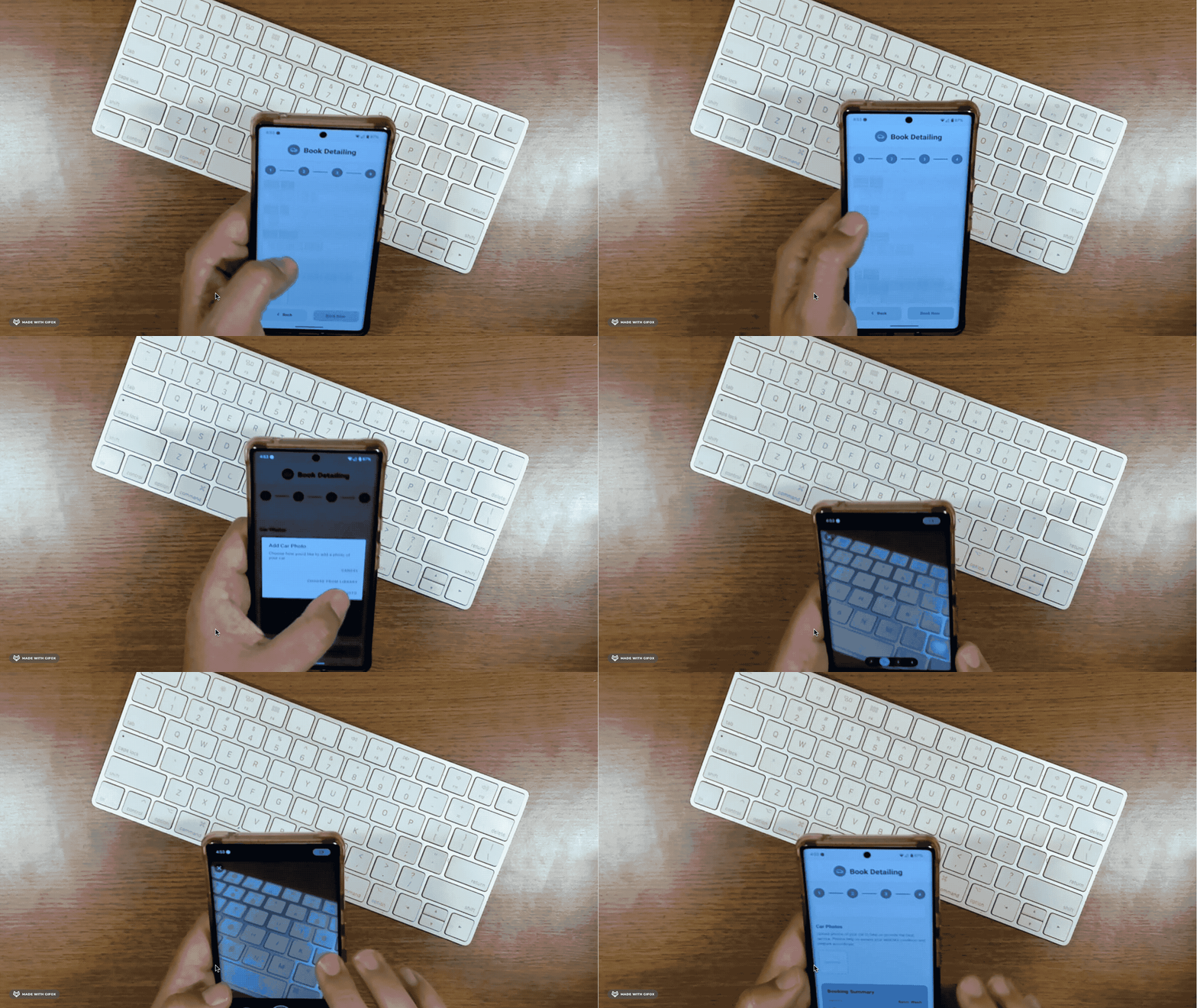
Let users upload photos of their car when they book
```
## Add features
Keep going. Each message builds on what's already there.
```
Let users upload photos of their car when they book
```
 ## Test it
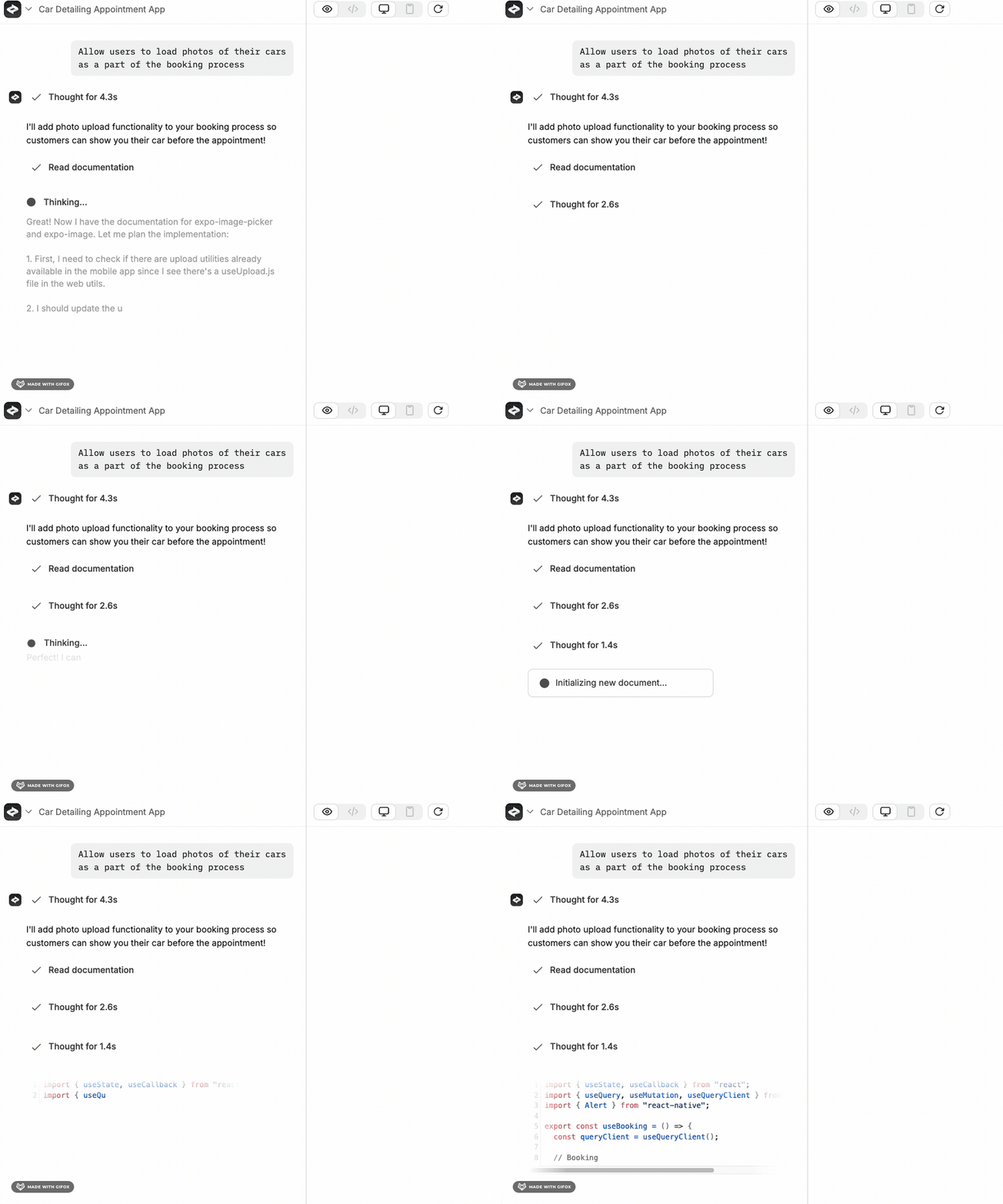
Preview your app in the builder, or scan the QR code to test on your phone with [Expo Go](/apps/mobile/testing).
## Test it
Preview your app in the builder, or scan the QR code to test on your phone with [Expo Go](/apps/mobile/testing).
 ## Go live
When you're ready, click **Publish** in the top right.
* **Web apps** go live instantly. [Publishing guide](/launch/publish).
* **Mobile apps** can be submitted to the App Store. [App Store guide](/launch/app-store).
## Keep going
Core concepts and builder basics
Get better results from the agent
## Go live
When you're ready, click **Publish** in the top right.
* **Web apps** go live instantly. [Publishing guide](/launch/publish).
* **Mobile apps** can be submitted to the App Store. [App Store guide](/launch/app-store).
## Keep going
Core concepts and builder basics
Get better results from the agent