> ## Documentation Index
> Fetch the complete documentation index at: https://www.anything.com/docs/llms.txt
> Use this file to discover all available pages before exploring further.
# Resend
> Add email sending capabilities to your application
Resend provides reliable email delivery and tracking for your application's email needs.
To send emails from a registered domain, you must verify your domain in Resend.
Please follow the official Resend guide [here](https://resend.com/docs/dashboard/domains/introduction).
**Free plan limitation:** On Resend's free plan, emails can only be delivered to the email address you signed up to Resend with — regardless of use case. This includes contact form submissions, welcome emails, notifications, and everything else. To send to any other address, you'll need to upgrade to a paid Resend plan.
## Overview
Sign up for a Resend account
Generate your Resend API key
Add your API key to Anything's secrets
## Account Creation
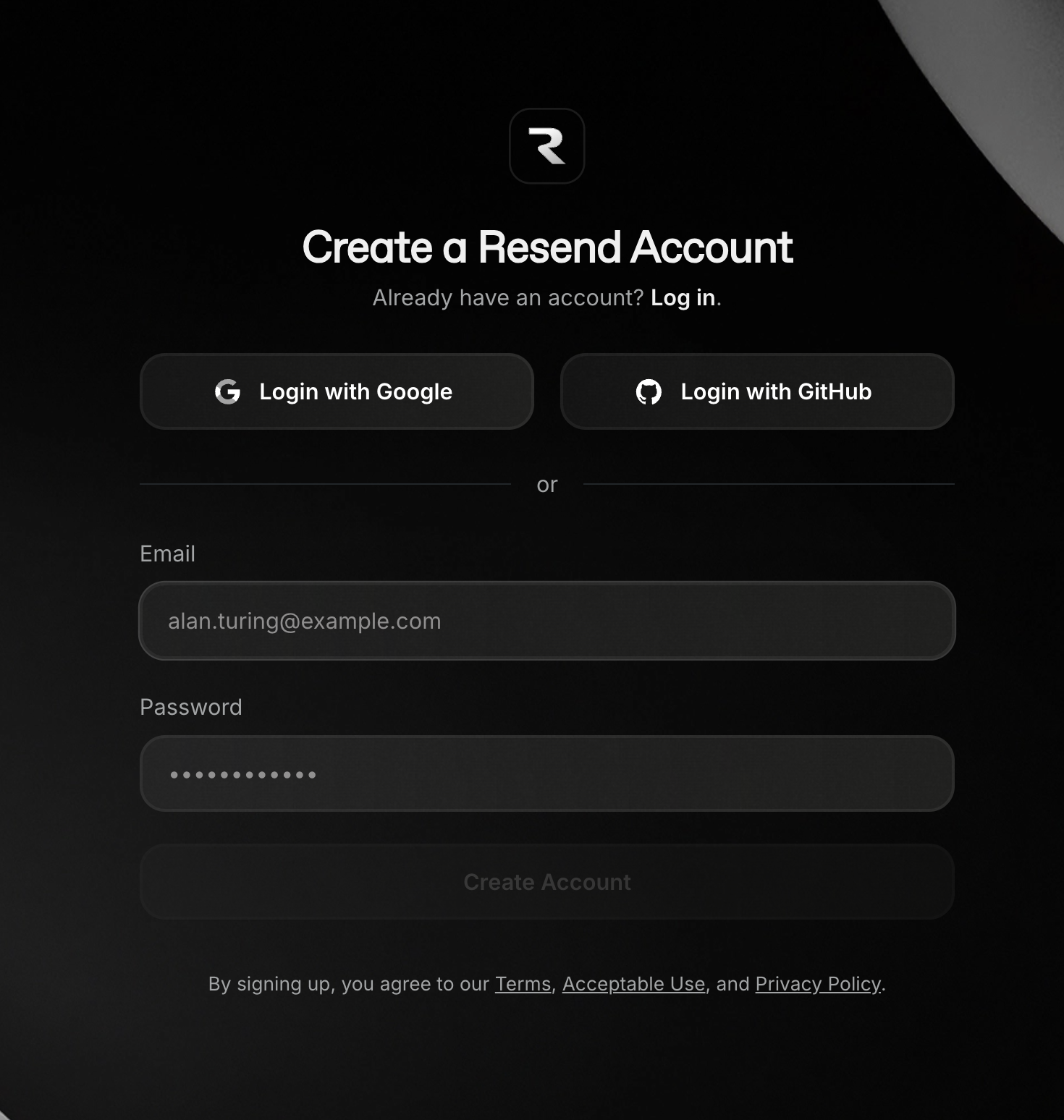
Go to [resend.com](https://resend.com/) and click "Get Started"
 * Sign up with email/password
* Verify your email address
* Sign up with email/password
* Verify your email address
 ## Generate API Key
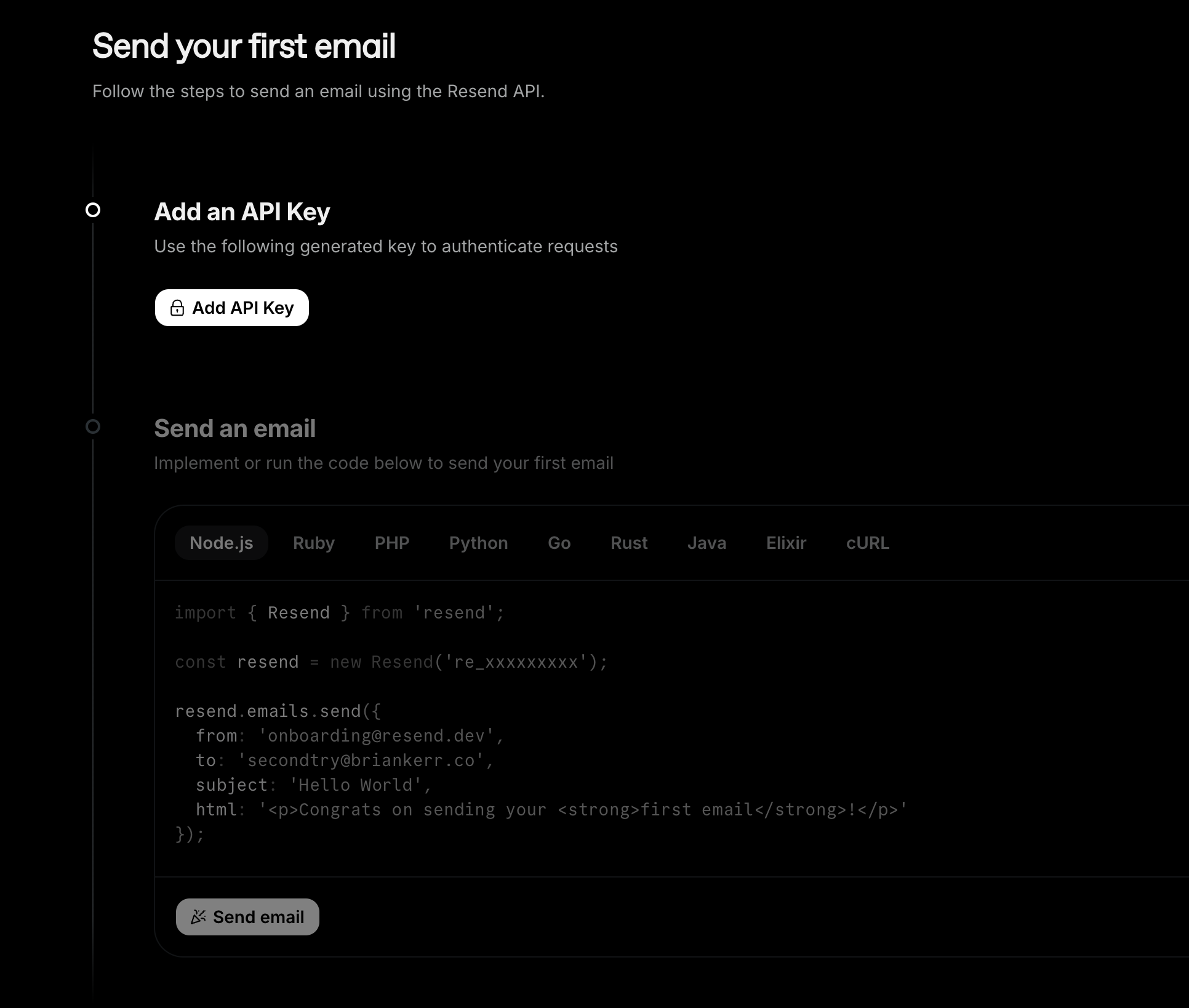
If this is your first time generating an API key, this Get Started page will show.\\
Otherwise, navigate to the API Keys page.
1. Click "Add an API Key"
## Generate API Key
If this is your first time generating an API key, this Get Started page will show.\\
Otherwise, navigate to the API Keys page.
1. Click "Add an API Key"
 1. Copy the API key
2. Store it securely
3. Test the key by sending a test email
1. Copy the API key
2. Store it securely
3. Test the key by sending a test email
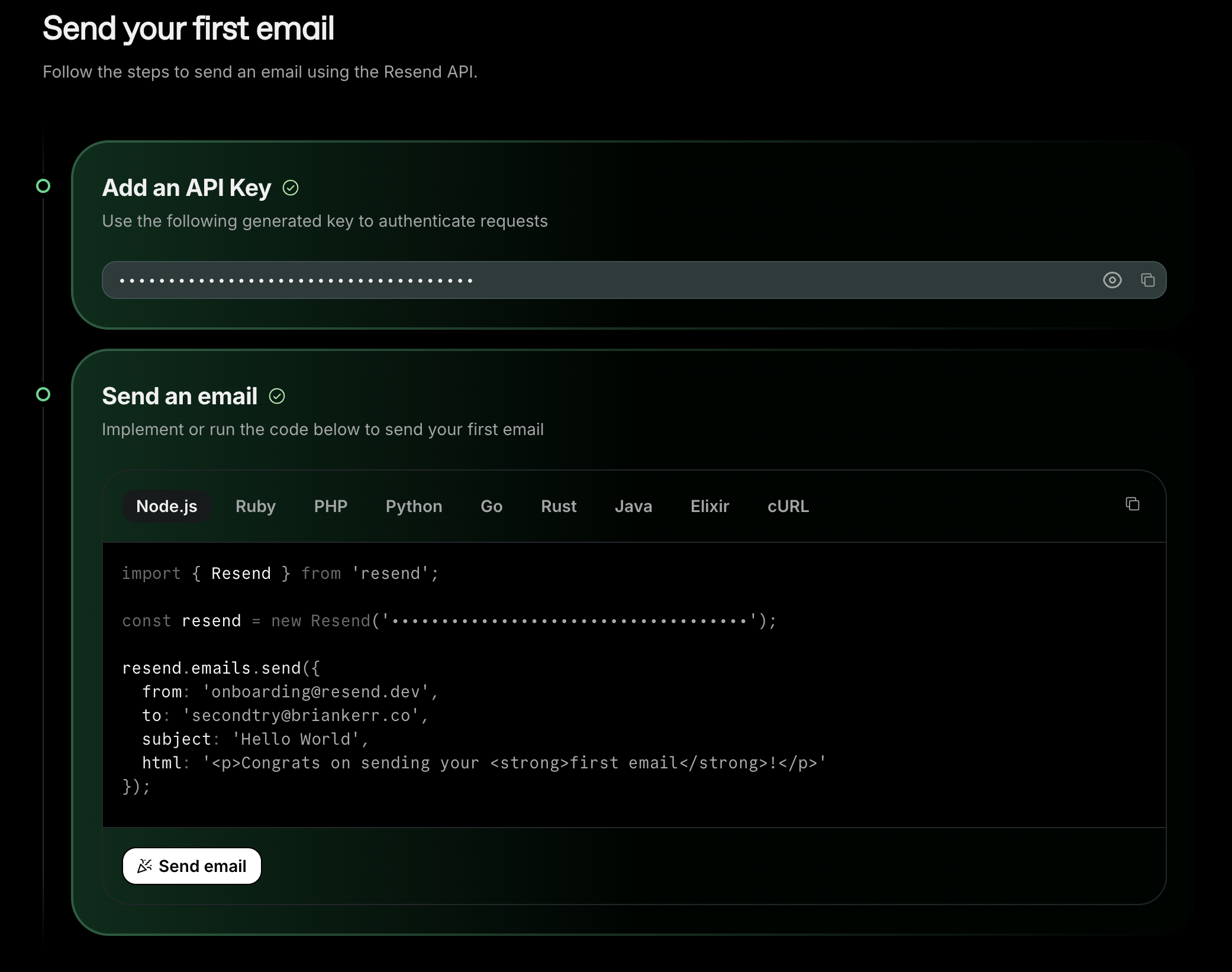 This key will only be shown once - save it immediately
## Add to Anything Project
1. In your Anything project, type `/` in chat
2. Select "Resend" from the menu
1. Paste your Resend API key into "RESEND\_API\_KEY" secret
Need a new key? Regenerate in Resend dashboard.
Use prompts to implement email features:
* `Send welcome email to new users with /Resend`
* `Build a password reset flow using /Resend`
* `Create a newsletter system with /Resend`
Resend has daily sending limits - monitor usage in their dashboard
Resend integration complete! Use `/Resend` in chat to access email capabilities.
This key will only be shown once - save it immediately
## Add to Anything Project
1. In your Anything project, type `/` in chat
2. Select "Resend" from the menu
1. Paste your Resend API key into "RESEND\_API\_KEY" secret
Need a new key? Regenerate in Resend dashboard.
Use prompts to implement email features:
* `Send welcome email to new users with /Resend`
* `Build a password reset flow using /Resend`
* `Create a newsletter system with /Resend`
Resend has daily sending limits - monitor usage in their dashboard
Resend integration complete! Use `/Resend` in chat to access email capabilities.